← Alle Produkte← All products← Todos los productos

NodePass – Ihr Passwort-TresorNodePass – your password vaultNodePass – su caja fuerte de contraseñas

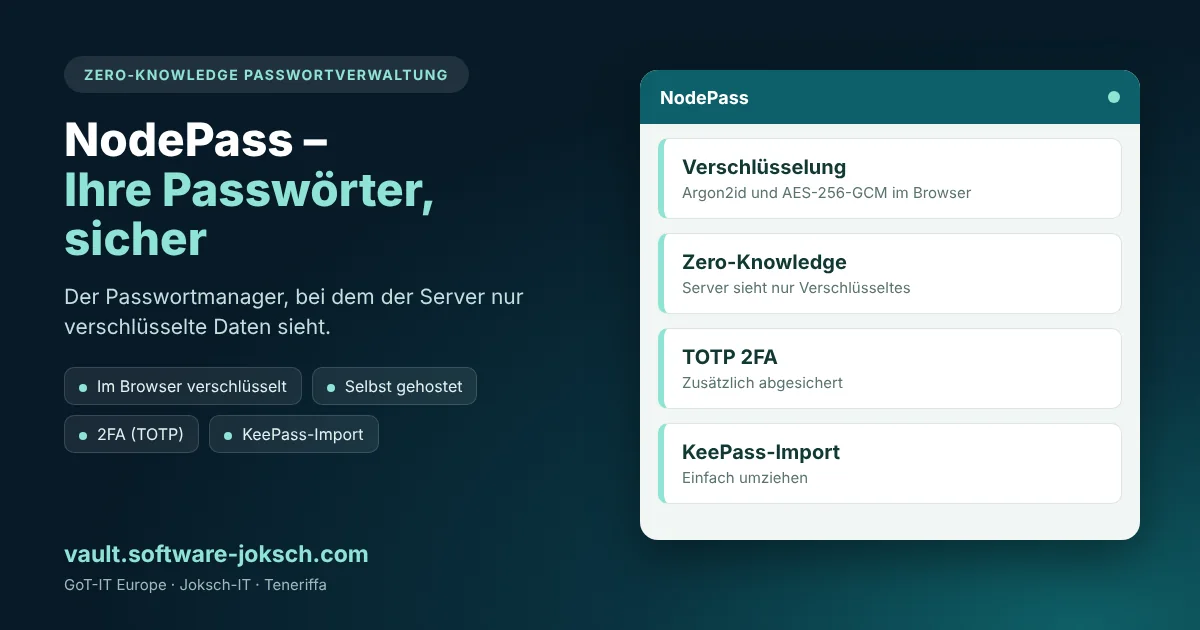
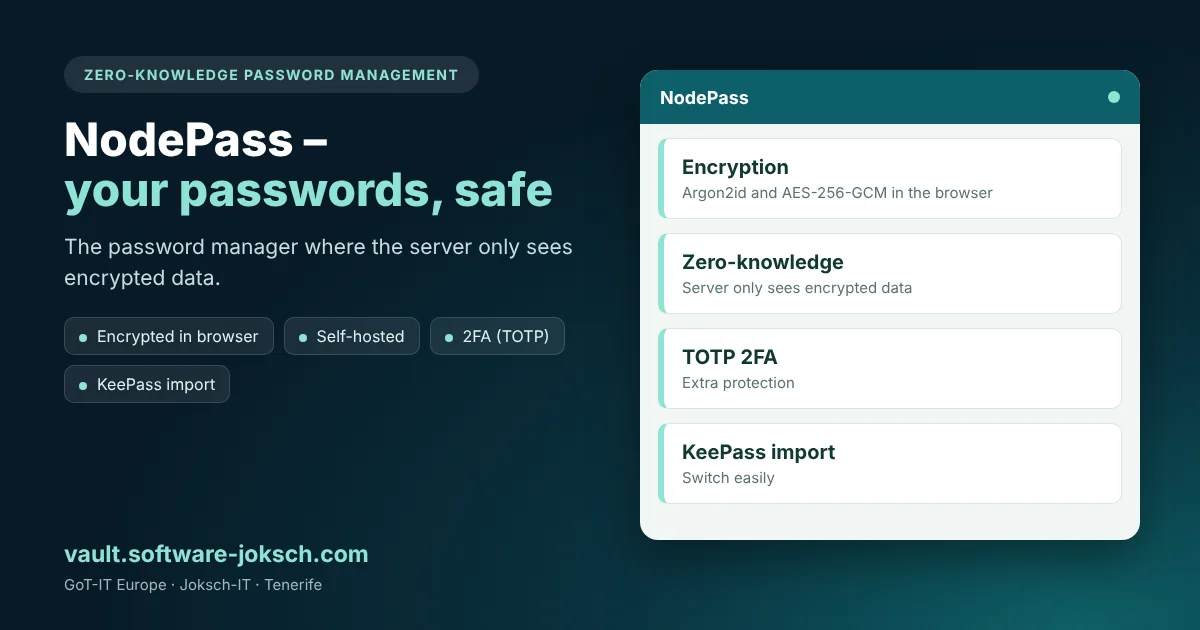
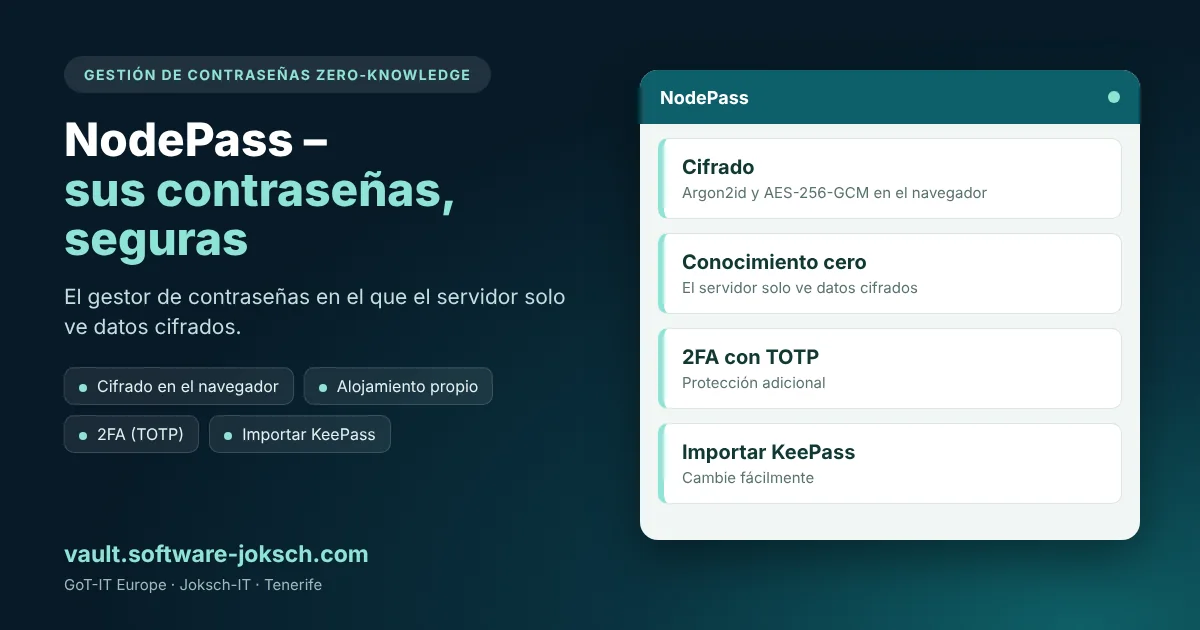
Ein Passwort-Manager, den Sie auf Ihrer eigenen Infrastruktur betreiben. Alle Daten werden im Browser verschlüsselt – der Server sieht nie Ihre Passwörter.A password manager you run on your own infrastructure. All data is encrypted in the browser – the server never sees your passwords.Un gestor de contraseñas que usted mismo aloja en su infraestructura. Todos los datos se cifran en el navegador: el servidor nunca ve sus contraseñas.

Zero-Knowledge AES-256-GCM FIDO2 Self-hosted
NodePass – NodePass – Ihr Passwort-TresorNodePass – NodePass – your password vaultNodePass – NodePass – su caja fuerte de contraseñas

Funktionen im ÜberblickFeatures at a glanceFunciones de un vistazo

🔑

Zero-Knowledge-PrinzipZero-knowledge principlePrincipio zero-knowledge

Die Verschlüsselung passiert im Browser. Der Server speichert nur verschlüsselte Daten – selbst bei einem Serverzugriff bleiben Ihre Passwörter unlesbar.Encryption happens in the browser. The server only stores encrypted data – even with server access your passwords stay unreadable.El cifrado se realiza en el navegador. El servidor solo guarda datos cifrados: incluso con acceso al servidor sus contraseñas siguen siendo ilegibles.

🧬

Moderne KryptografieModern cryptographyCriptografía moderna

Schlüsselableitung mit Argon2id (64 MB, 3 Iterationen) und Verschlüsselung mit AES-256-GCM – dazu eine verschlüsselte Datenbank.Key derivation with Argon2id (64 MB, 3 iterations) and encryption with AES-256-GCM – plus an encrypted database.Derivación de claves con Argon2id (64 MB, 3 iteraciones) y cifrado con AES-256-GCM, además de una base de datos cifrada.

🪪

Passkeys und 2FAPasskeys and 2FAPasskeys y 2FA

Anmeldung per FIDO2/WebAuthn-Sicherheitsschlüssel oder Passkey, zusätzlich Zwei-Faktor-Authentifizierung per TOTP.Sign in with a FIDO2/WebAuthn security key or passkey, plus two-factor authentication via TOTP.Acceso con llave de seguridad FIDO2/WebAuthn o passkey, además de autenticación en dos pasos mediante TOTP.

🛟

Recovery-CodeRecovery codeCódigo de recuperación

Beim Einrichten erhalten Sie einen Recovery-Code als Rettungsanker, falls Sie Ihr Hauptpasswort vergessen.During setup you receive a recovery code as a safety net in case you forget your master password.Al configurarlo recibe un código de recuperación como salvavidas por si olvida su contraseña maestra.

🎲

Generator und Passwort-CheckGenerator and strength checkGenerador y comprobación

Starke Passwörter erzeugen, die Passwortstärke bewerten lassen und Einträge in Ordnern organisieren.Generate strong passwords, have password strength assessed and organise entries in folders.Genere contraseñas seguras, evalúe su fortaleza y organice las entradas en carpetas.

📲

2FA-Konten importierenImport 2FA accountsImportar cuentas 2FA

2FA-Konten lassen sich per QR-Code importieren und die Codes direkt im Tresor erzeugen.2FA accounts can be imported via QR code and the codes generated right in the vault.Las cuentas 2FA se importan mediante código QR y los códigos se generan directamente en la caja fuerte.

Interesse an NodePass?Interested in NodePass?¿Le interesa NodePass?

Wir zeigen Ihnen die Software gern in einer persönlichen Demo und passen sie an Ihren Alltag an.We are happy to show you the software in a personal demo and adapt it to your daily routine.Le mostramos el software con mucho gusto en una demo personal y lo adaptamos a su día a día.

Demo anfragenRequest a demoSolicitar demo